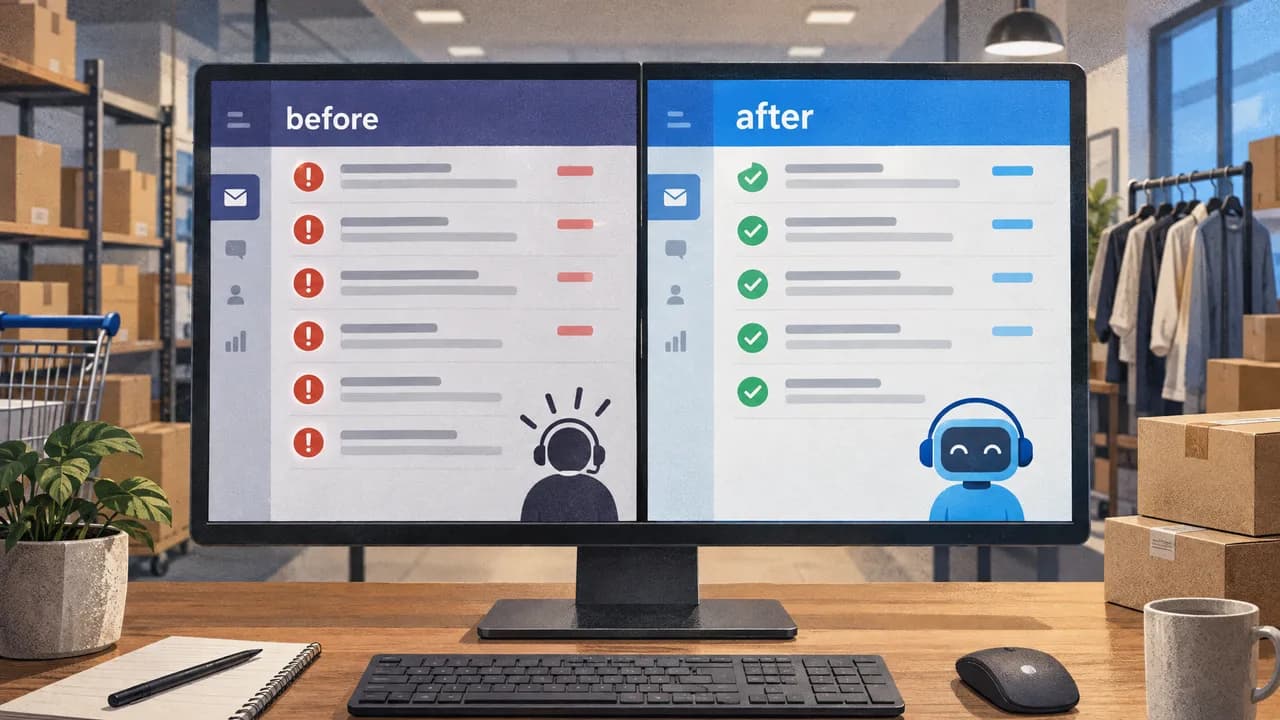
Improve Response Time to Customer: Answer the Routine, Escalate the Rest
Improve response time to customer by answering routine tickets where they land and escalating the rest. Here is the process, the mistakes, and the thresholds.

You improve response time to customer by removing the tickets that never needed an agent from the queue in the first place, then letting only the genuine exceptions reach a human with full context.
Most stores attack the clock. They add headcount, tighten SLAs, and push agents harder, while the same order-status questions pile up behind a triage step that nobody measures. The speed comes from subtraction, not effort.
What First Response Time Measures, and What It Hides
First response time is the gap between a customer sending a message and a human or system replying to it, and it measures the clock rather than the resolution. That distinction matters more than any benchmark, because a store can post a two-minute median while every customer still waits three days for an answer that actually solves anything. ➀
Two adjacent metrics get folded into the same conversation. Resolution time measures how long until the issue closes. First response time measures how long until someone acknowledges it. A template that says "we're looking into it" posts an excellent first response time and a miserable resolution time, and it trains customers to distrust the first reply they get.
The metric exists because customers treat silence as abandonment. Change "next day" to "next hour" and you have the working standard most e-commerce buyers now bring to a tracking question.
Why the Clock Starts Too Early in Most Stores
The ticket lands, the clock starts, and then the ticket sits in triage for forty minutes while someone decides who owns it. First response time records those forty minutes as if they were work.
Three moving parts decide what your number actually reflects. The first is classification: whether a routine "where is my order" question gets separated from a refund dispute before an agent opens it. The second is the routing rule that follows classification, since a misrouted ticket restarts its own clock when it bounces between queues. The third is agent capacity, and this is the part stores overestimate. An agent who spends the first hour of a shift clearing order-status tickets is not doing support work. They are doing the job a rules engine should have done before the ticket was ever created.
Add these together and you get the counterintuitive result that most response-time advice glosses over. Hiring shortens the queue but not the wait, because the wait is mostly triage latency, not typing speed. The stores with the fastest first response times are usually the ones with the fewest tickets in the queue at all, not the biggest team.
There is a cost argument underneath the latency argument. Every order-status question that reaches an agent is billed at the assisted rate for an answer that did not need judgment. Moving volume from assisted to automated handling lowers both the wait and the unit cost at the same time, which is rare in operations.
The Step-by-Step Approach
The sequence below runs in order because each step produces the input the next one needs. Skipping ahead to tooling before you have classified your volume means you buy automation for the wrong tickets.
- Export thirty days of tickets and tag each one by intent, not by team. Order status, delivery date changes, returns, refunds, discount codes, order edits, damaged goods, billing disputes. Count how many fall into the first six categories, which are the ones with a fixed answer that lives in an order record or a policy page. For most stores this is where the majority of volume sits.
- Write down the approved answer for each high-volume intent, with the exact source. Not a tone guide, an answer with its location: the carrier page for tracking, the returns policy paragraph, the discount rules. An agent who has to search three systems for the same answer will never hit a fast first response, and neither will a system trained on vague instructions.
- Fix the routing rules before you add any capacity. A ticket that bounces between queues bills two first responses and satisfies nobody. Routing deserves attention before headcount, and it is the first thing to audit when wait times creep up without a volume spike. The mechanics of that audit are covered in fixing the routing rules before adding anything else.
- Automate the intents with a fixed answer so they never enter the human queue. Order status, delivery changes, and order edits resolve from a lookup. If a lookup has to touch a live human to complete, it was never a good automation candidate.
- Define the escalation trigger explicitly and test it against real tickets. "Escalate when out of depth" is not a rule; it is a hope. Write the conditions: no matching order found, a customer replies twice with the same complaint, the request touches money owed rather than money already paid.
- Measure first response time separately for automated and human-handled conversations. A blended number hides the fact that your average is being dragged by one queue. Split the metric and the bottleneck becomes obvious within a week.
- Expand scope only after the first six intents hold steady for a month. Breadth added before stability produces escalations you cannot trace to a cause.
The order matters most at step three. Routing repairs pay off before automation does, because automation that feeds a broken routing tree just delivers the wrong answer faster.
Common Mistakes to Avoid
The most common mistake is measuring and optimising the blended number. A store posts a 40-minute median, feels good about it, and never notices that the automated queue answers in seconds while the human queue sits at four hours. Split the metric first, then optimise the segment that is actually slow. If the blended figure is all you look at, you will keep hiring into a routing problem.
Buying a customer-facing chatbot is the second pattern that quietly adds time. A bot the customer must talk to inserts a step into a journey that previously had one. The customer asks, the bot fails to understand, the customer rephrases, the bot hands off, and the human now answers a frustrated person with three extra messages of context to read. None of that shows up as anything other than a slower human response, because the bot's handling time is invisible in your helpdesk reporting.
Template replies are a third trap, and they inflate exactly the wrong metric. "We'll look into it" posts a fast first response and guarantees a second contact. A store that halves its first response time this way doubles its contact rate, and the second contact arrives angrier than the first. An acknowledgment with no content is not a response, it is a receipt.
The final pattern is treating escalation as a failure. An agent who escalates a complex return to a colleague is doing the job correctly. A store that punishes escalation drives agents into guessing, and a confident wrong answer about a refund costs far more than a slow correct one, both in the contact it generates and in the chargeback risk it creates.
When to Act on Your Wait Times
You have a decision to make about sequencing, not about whether response time matters. The signals that settle it live in your own ticket data, and you can read them this week.
If your ticket volume is under a few hundred per month and your wait times are already inside a day, the money is better spent on your product pages and your shipping notifications than on any support system. Volume that small is absorbable by the team you have, and the real fix is upstream of support.
If your volume is climbing and the growth is concentrated in a handful of intents, you are in the band where automation inside the existing helpdesk pays for itself quickly. The tell is repetition: the same five or six questions, week after week, with the same approved answers.
If you are already handling thousands of cases a month with a mature internal platform team, the calculus changes, and a managed service may not fit the scale you are running. Above roughly 4,000 monthly cases, a managed AI teammate is not the right tool, and we say so.
The signal that tips most stores is seasonal. Watch your queue in September and October, and watch what November does to it. A queue that doubles under peak load without any change in the difficulty of the questions is a queue waiting for a routing fix, not a hiring round.
About Loqum
We run a managed AI teammate that lives inside the helpdesk you already use, as a user, with no migration and no new platform to run. It answers the routine tickets from your approved policies, your customer orders, and your product catalogue. Everything else goes to your human teammates, and every conversation stays a readable, overrideable ticket rather than a black box.
We are not a chatbot. The teammate answers from approved sources and transfers to a human when it is out of depth, and judgment stays with your agents. Each teammate is managed by a Loqum AI Engineer who audits, reports, and plans capability monthly, so what you get is the output rather than the upkeep. It starts with the simplest tickets and expands as it learns.
The limitations are real and worth knowing before you get on a call. We work with a restricted case scope and read-only, least-privilege tools. We are not positioned for stores handling more than 4,000 support cases per month, and we accept a limited number of stores, so availability can close. If you want a sense of what AI support actually costs once you price it per ticket against an assisted contact, that comparison is public, and we bill on a fixed monthly case basis with no unlimited-scale claim attached.
If you would rather run a self-hosted stack your own team maintains, or your volume is small enough that manual triage holds, those are legitimate choices and we are not the right fit for either. If the repetition in your queue matches what we handle, write to anna@loqum.io and we will tell you honestly whether the volume fits.
Related reading
- Build an Ecommerce Customer Experience That Survives Your Best Sales Day
- How to Compare Different Customer Support Options for Online Stores Without Guessing
Frequently Asked Questions
How to improve customer response time?
Start by separating the tickets that have a fixed answer from the ones that need judgment. Answer the fixed ones automatically from your approved policies and order data, keep the rest in a human queue, and route with rules rather than ad hoc triage. Then measure automated and human-handled conversations as two different numbers, because a blended median hides which queue is actually slow. Most of the gain comes from removing work, not from working faster.
How to increase response time?
Increasing response time means making the number bigger, which is almost never what anyone wants, and the phrasing usually means improving it. If you genuinely want customers to wait longer, you would delay acknowledgments and add manual triage steps. If you meant improving the metric, the direction is the opposite: cut the queue, not the effort. Read the number as elapsed time and ask which direction you are actually optimising.
What are the 5 C's of customer experience?
The five C's are typically given as consistency, clarity, consistency of channel, and empathy. Frameworks vary by source, and the exact list matters less than the pattern: customers judge support on whether the same question gets the same answer twice, whether the answer is legible, and whether the tone treats them as a person. Response time is one input into that judgment, not the whole of it. A fast wrong answer scores worse than a slower correct one.
What are 10 ways to improve customer service?
Ten is an arbitrary count, and long lists tend to pad. The changes that move a support operation are fewer and starker: publish real answers for your top intents, classify tickets by intent rather than by team, fix routing before adding headcount, write explicit escalation triggers, split your response-time metric by queue, and stop sending acknowledgments that carry no content. Fix those six and the wait times follow. Bolt on chatbot deflection without the first six and the contact rate rises.
Sources
- ➀ Clickpost
Lower cost per interaction Gartner's benchmark data puts the median cost per contact at $1.84 for self-service and $13.50 for assisted channels such as phone, chat, and email.
Sources checked on September 23, 2026.